Free plan: up to 5 members, 5 active projects and 5 portal clients.
++++
Orbit · Live insight
QA is two tasks over capacity this sprint rebalance before Thursday.
Illustrative workspace example. The rotating insights are sample content, not live customer data or a prediction of delivery dates.
What Flotick does
Follow the enquiry
Keep lead details and follow-ups together, then create a linked client project.
Plan the delivery
Use tasks, owners and sprint plans to find the next step before asking for an update.
Share the starting point
Give clients a portal for project status, documents and files you share.
Keep the conversation
Continue client and teammate threads in the workspace where you manage the work.
Less repeated entry, fewer routine files to resend and a shared reference for the next handoff.
The Problem
The client and the work should stay connected.
Service teams lose time between the lead, the proposal, and the project. Flotick is the workspace where those stay together.
A planning example, not a measured result
Five routine status lookups at six minutes each take 30 minutes a week. Your time may differ. Use the calculator below to test your own assumptions.
01
The client lives in five tools
A lead in a sheet, a proposal in email, tasks in another app. The next status call starts with a search, not an answer.
02
Won deals never become projects
The sale closes in one place and the work starts in another. Scope, owner, and dates get retyped, and something is lost.
03
Clients ask because they cannot see
Without a portal, every “where are we?” becomes a message. Your team answers from memory instead of a shared status.
04
Onboarding is an attachment thread
Welcome notes, contracts, and invoices travel as files. Nobody can tell which version the client actually accepted.
How work moves
From a commitment to a clear next step.
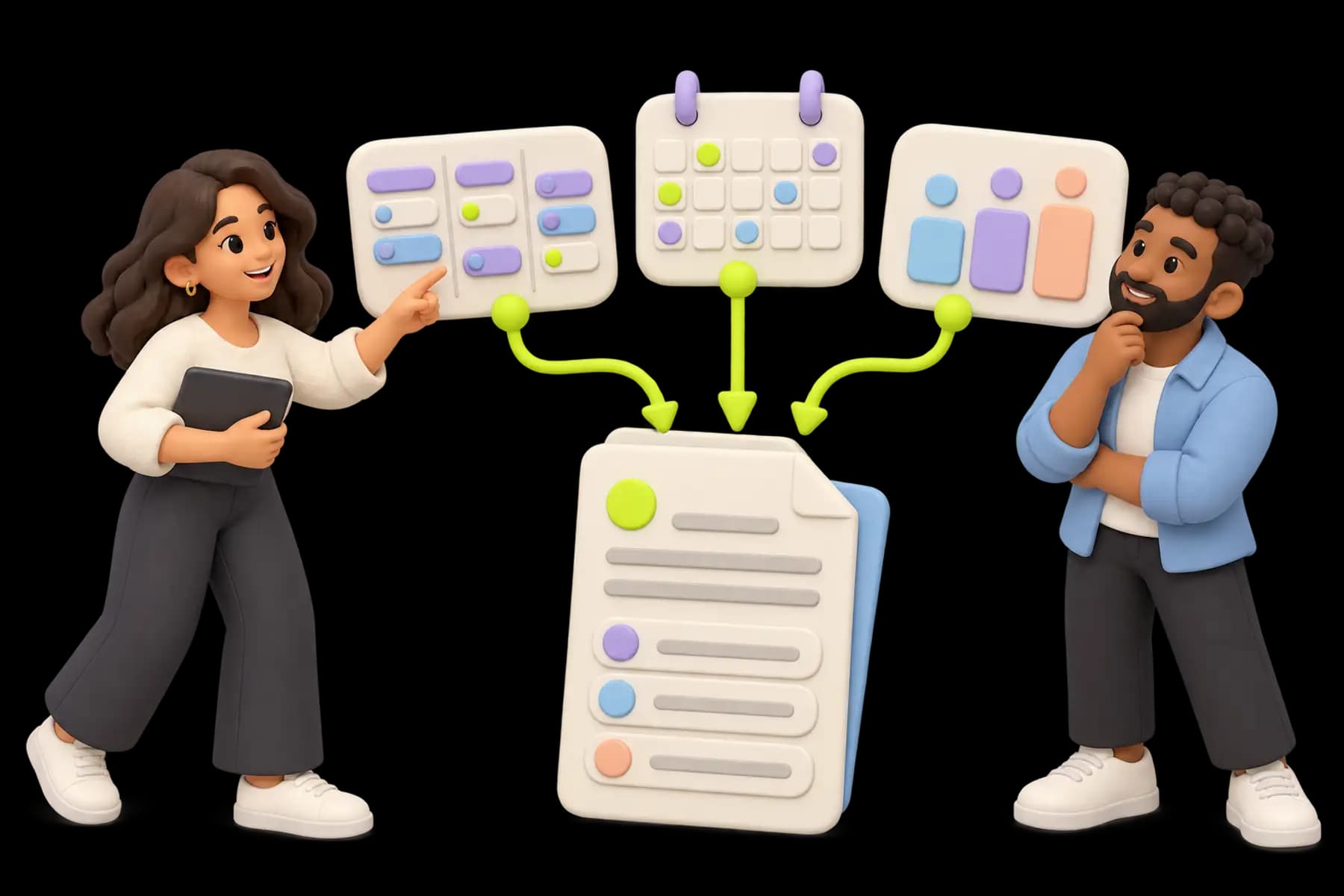
Keep client commitments connected to the work that delivers them. Carry the client context from the first enquiry into projects, documents, shared resources, and team conversations.
Model the capacity used by routine admin. This is a planning estimate based on your inputs, not a promise of savings.
Illustrative estimate · four weeks
Baseline admin time
20.0 hours
Modeled time recovered
6.0 hours
Value of recovered capacity
$240
Capacity value less subscription
$240
Formula: people × weekly admin hours × 4 × assumed reduction. Multiply recovered hours by hourly cost, then subtract the subscription input. These are your assumptions, not measured Flotick savings. Capacity value is not cash saved or revenue earned. Setup time and retained tools are excluded; changing currency changes the label, not the inputs.
Solutions
A better way to run the work behind the promise.
The same workspace fits different delivery rhythms. Choose the path that looks most like yours.
Agencies and IT services
Client records, proposals, a portal, and the projects behind retainers or fixed-scope work.
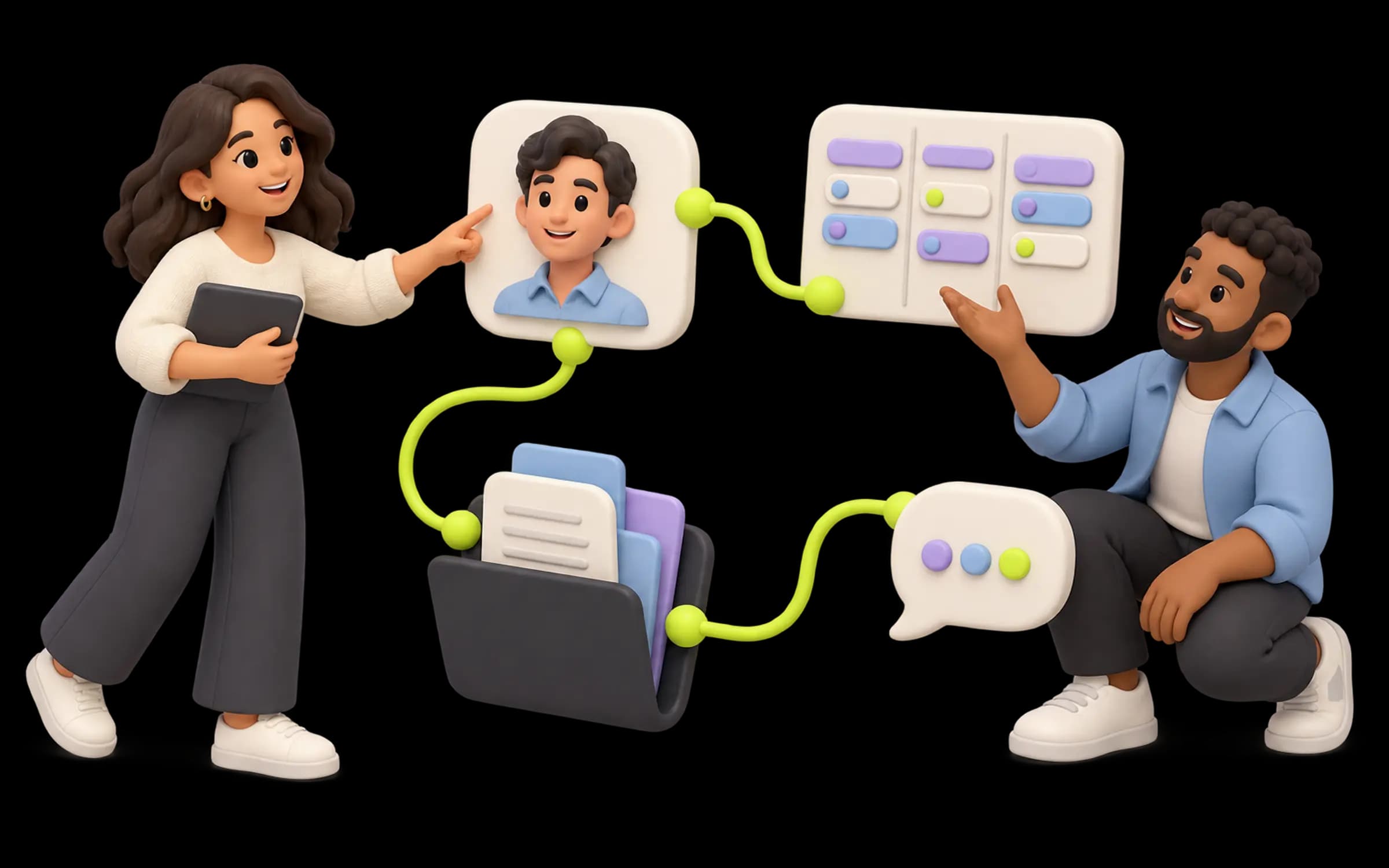
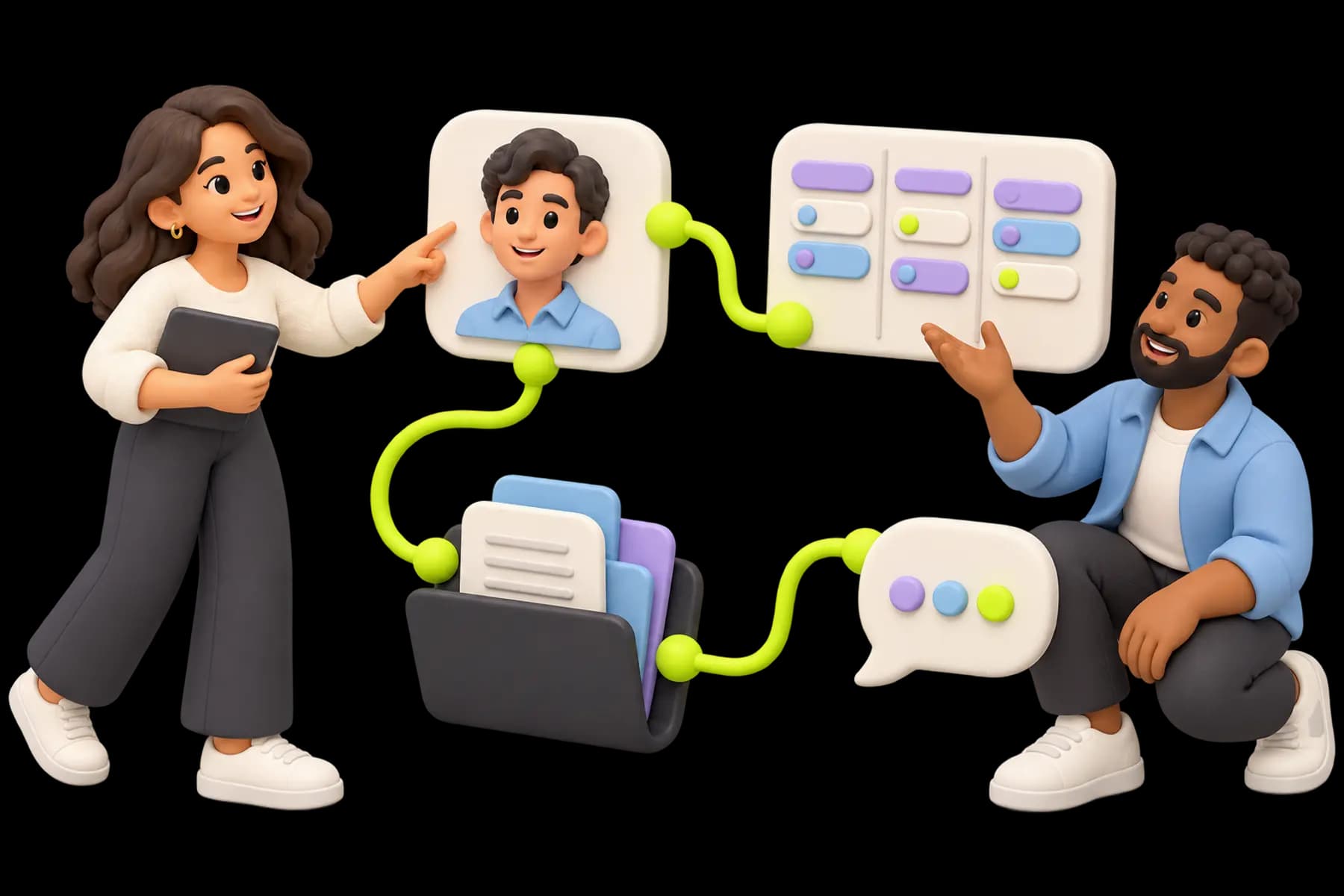
Illustrative artwork · An example workflow, not a product screenshot.
Trust starts with clear boundaries.
Your team should understand who can see its work, how sensitive data is handled, and how to retrieve it. We describe the controls Flotick actually provides, along with their scope.
Work and membership belong to an organization. Roles and server-side permissions govern access inside it.
Protection where it matters
Sensitive member fields and environment configurations have specific encryption controls; files use private storage and short-lived access links.
A path to your data
Organization Admins can request a portable JSON export or supported CSV exports. The security page explains the boundaries.
Pricing that grows with the team
Start with real work. Choose more capacity when you need it.
Free includes up to 5 members and 5 active projects. Pro and Max expand capacity and governance, with a subscription for the organization rather than a per-seat price. The full comparison shows current regional prices and limits.
Read buying guides and agency workflows for onboarding, approvals, retainers, scope changes, and client updates. Try one client and one active project first.