

FlotickFlotickFlotickFlotick
    Solutions
    Solutions
    Pricing
    Pricing
    Docs
    Docs
    Free Tools
    Free Tools
    More
    More
    Sign inStart free
    Start free
    1. Home
    2. Use cases
    3. Client updates
    Use cases / Client updates

    Keep routine status requests from becoming a search.

    Maintain owners and progress in the project, then share the appropriate summary and documents. Keep meetings for decisions and discussion rather than reading information aloud.

    Start free

    Up to 5 members and 5 active projects on Free.

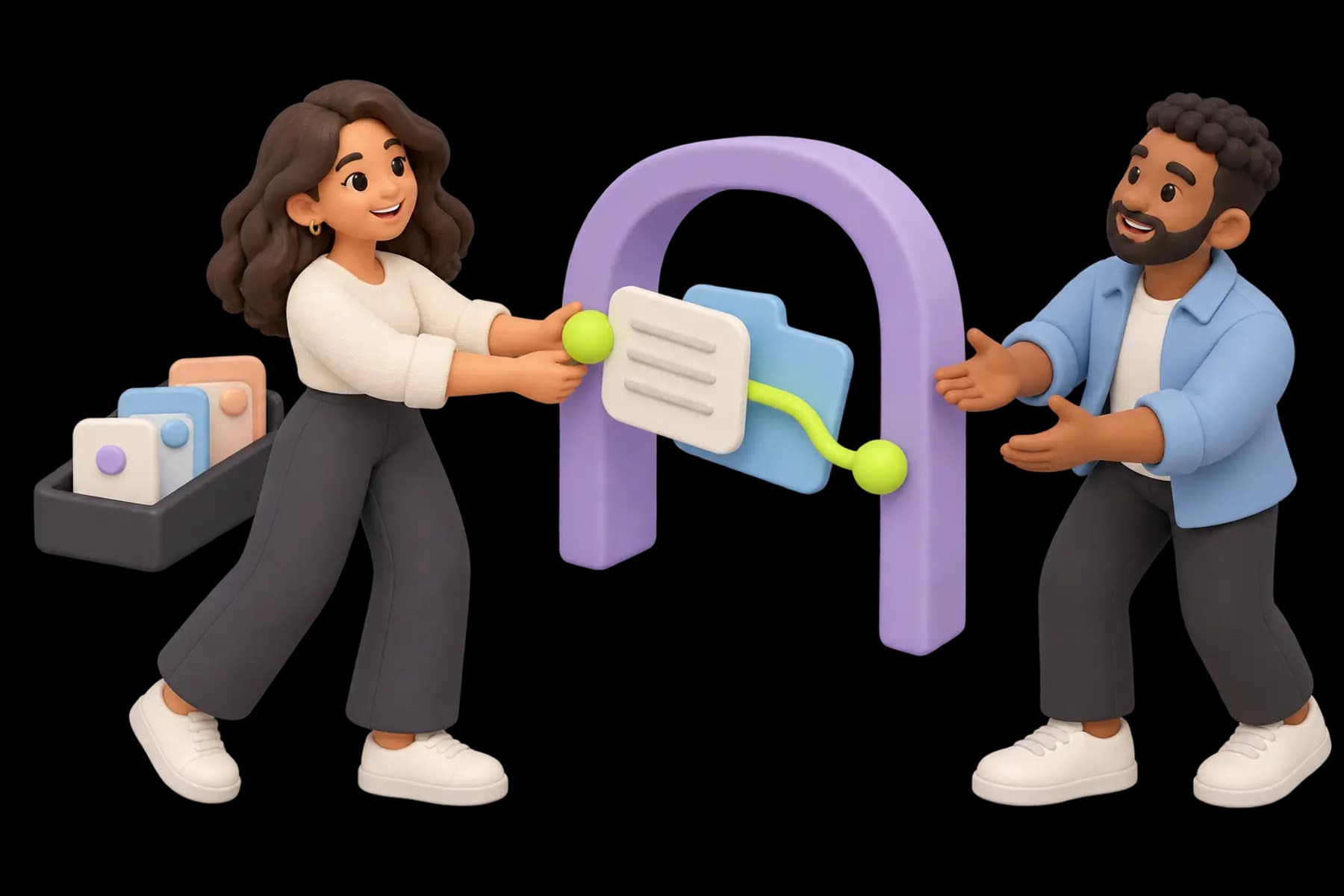
    A client views a selected project summary and shared documents through an open portal arch; internal task tiles stay in a separate graphite compartment beside a teammate.
    Illustrative artwork · An example workflow, not a product screenshot.

    Short answer. Maintain owners and progress in the project, then share the appropriate summary and documents. Keep meetings for decisions and discussion rather than reading information aloud.

    What should happen first?

    Maintain the delivery source records

    Use one active engagement to establish the workflow. Keep the current scope reference, next action, and owner visible; do not infer an agreement from a task status.

    How does the work move?

    Publish a clear client-facing summary

    Name needed input and the next milestone

    Flotick connects client records, projects, documents, messages, and portal resources. Availability depends on plan, permissions, settings, and the resources actually shared.

    What remains your team's responsibility?

    Keep the source records current, review client visibility, and record decisions through the actual agreement and authorized contact. A connected workspace does not guarantee delivery dates, legal acceptance, or payment collection.
    Related pages

    • Practical guideFollow the detailed operating checklist.
    • Product scopeCheck the relevant capabilities and boundaries.
    • Onboarding packUse the intake, approval, and handoff worksheets.

    Questions this page answers

    Scope, access, and setup details to help you decide.

    Can't find what you're looking for? Contact us

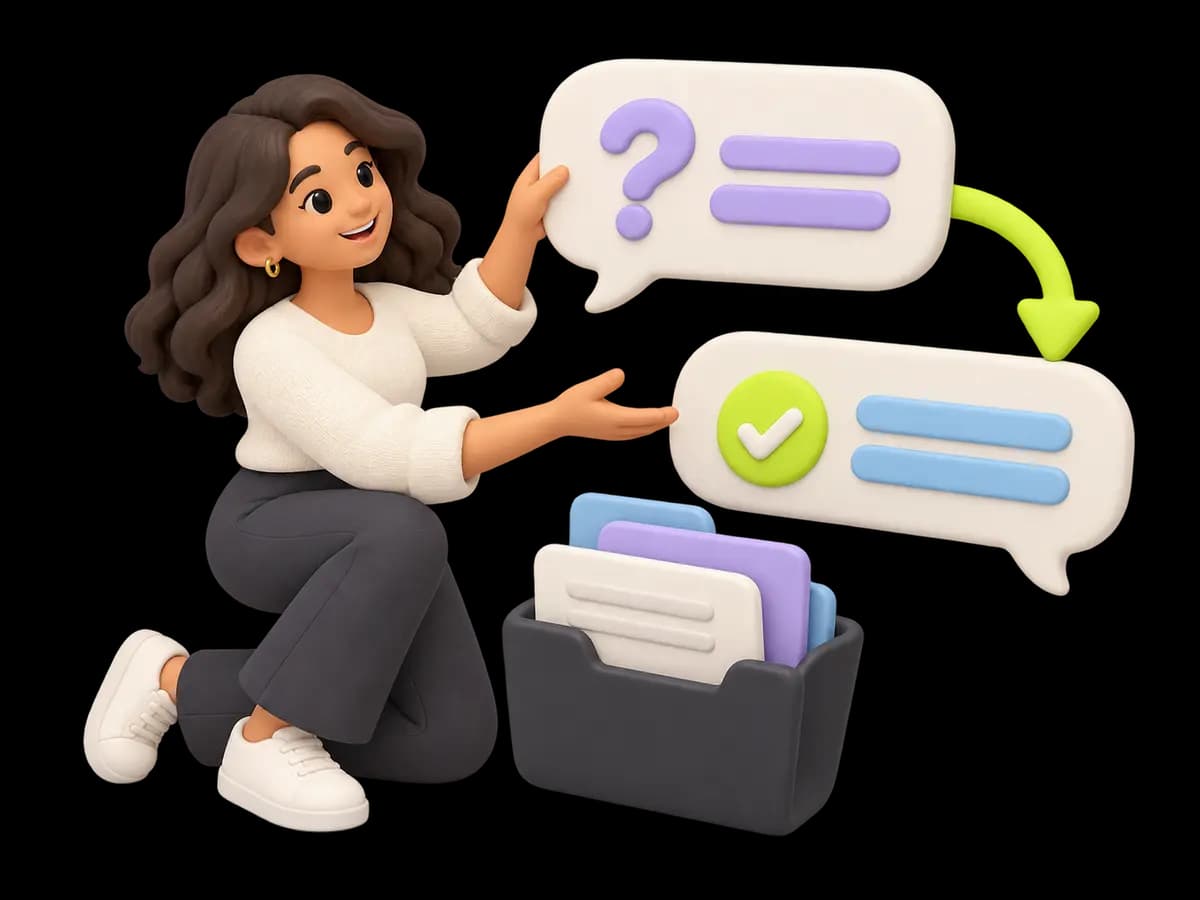
    A friendly specialist organizes a question bubble and a clear answer bubble beside a small shared folder, with no call-center headset.

    Try it on a real client

    Start on the Free plan, or book a demo if you want to walk a lead through to a project.

    Start freeSee pricing

    Keep client work moving with less chasing.

    Keep client commitments connected to the work that delivers them.

    Start free
    FlotickFlotick

    Flotick helps agencies and freelancers manage leads, deliver client projects and share updates in one workspace.

    A product by Nxtinger

    Product

    • Features
    • CRM
    • Client portal
    • Lead management
    • Solutions
    • Pricing
    • Security
    • Book a Demo
    • Documentation

    Company

    • About
    • Contact
    • Blog

    Resources

    • Free Tools
    • Resources
    • Product tour
    • Templates
    • Glossary
    • Use cases
    • FAQ
    • Compare
    • Changelog
    • Refer & Earn

    Ask AI

    Summarize Flotick

    ChatGPTPerplexity AIClaudeGemini

    © 2026 Flotick by Nxtinger. All rights reserved.

    PrivacyTermsCookiesDPASubprocessors
    FlotickFlotickFlotick