

FlotickFlotickFlotickFlotick
    Solutions
    Solutions
    Pricing
    Pricing
    Docs
    Docs
    Free Tools
    Free Tools
    More
    More
    Sign inStart free
    Start free
    1. Home
    2. Compare
    3. Flotick vs the usual stack
    Compare / usual agency stack

    Keep what works. Connect what costs you time.

    Compare a connected client workspace with the effort of maintaining records across a spreadsheet, CRM, chat, and email.

    Start free

    Up to 5 members and 5 active projects on Free.

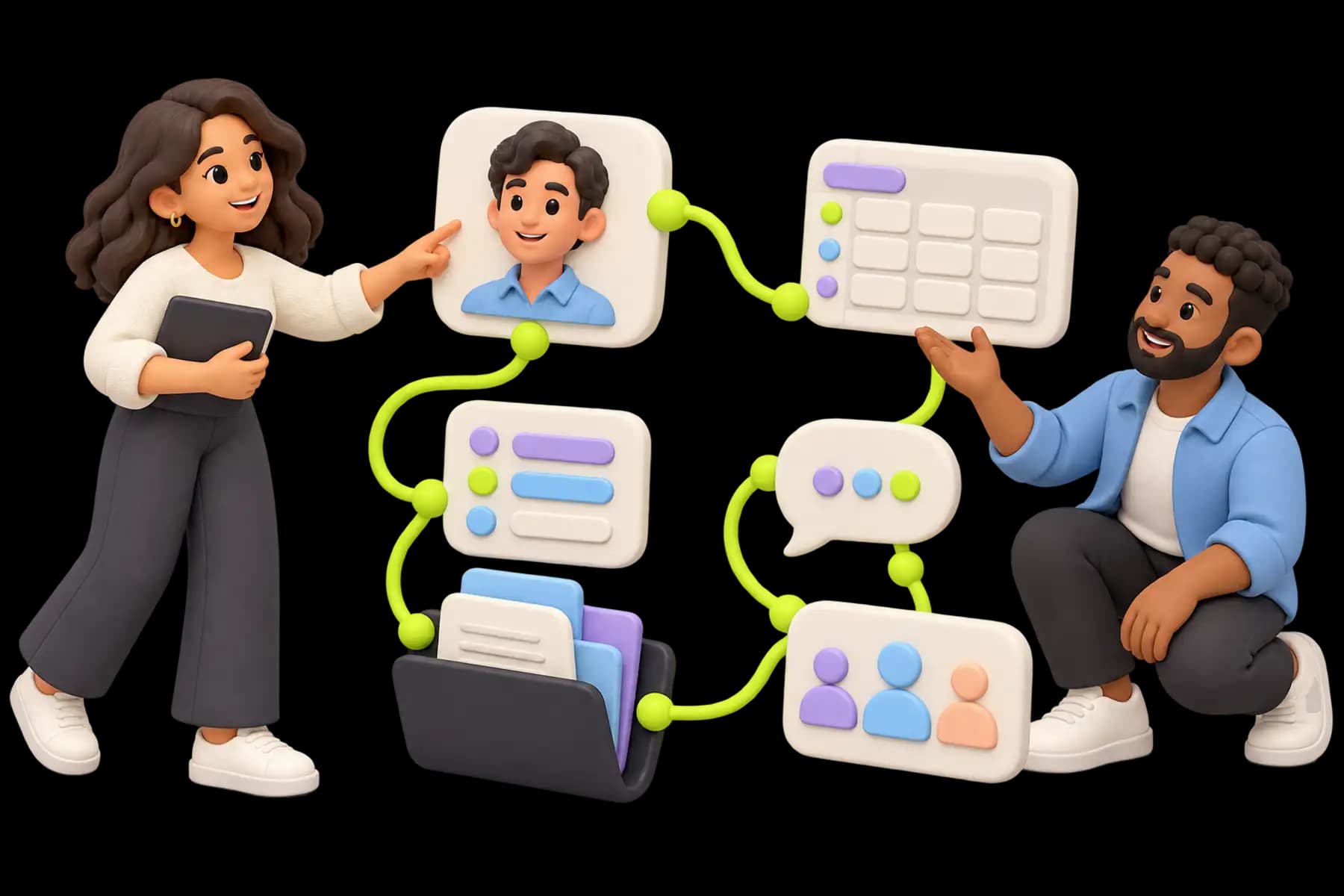
    A connected client record, project and shared folder on one side; separate spreadsheet, message and CRM objects on the other, balanced neutrally without a winner podium.
    Illustrative artwork · An example workflow, not a product screenshot.

    Short answer. A separate-tool stack can work well when responsibilities and integrations are maintained. Flotick offers a connected CRM and delivery workflow; test whether that removes coordination your agency currently repeats.

    What should stay in a spreadsheet?

    Keep useful specialist calculations and simple registers where they serve the team. A new product is worth testing when repeated entry, missing owners, or unclear client context create work you can identify.

    What should the pilot prove?

    Bring one active engagement through lead, client, project, shared document, and update. Check that the next person can find the context without reconstructing several tools. Include retained payment and accounting services in the cost comparison.

    Illustrative workflow comparison, not a claim that separate tools cannot integrate
    WorkSeparate toolsFlotick
    Sales handoffCopy or integrate client details into deliveryConvert a won lead and optionally create a project
    Client statusMaintain and send a summaryShare the project summary and resources in the portal
    Billing contextReconcile the invoice with project recordsKeep invoice and external-payment records near the client
    Specialist workRetain tools required for deliveryRetain tools required for delivery

    Related pages

    • Spreadsheet evaluation guideTest observable workflow problems before moving.
    • PlansCompare the plan you would actually use.

    Questions this page answers

    Scope, access, and setup details to help you decide.

    Can't find what you're looking for? Contact us

    A friendly specialist organizes a question bubble and a clear answer bubble beside a small shared folder, with no call-center headset.

    Try it on a real client

    Start on the Free plan, or book a demo if you want to walk a lead through to a project.

    Start freeSee pricing

    Keep client work moving with less chasing.

    Keep client commitments connected to the work that delivers them.

    Start free
    FlotickFlotick

    Flotick helps agencies and freelancers manage leads, deliver client projects and share updates in one workspace.

    A product by Nxtinger

    Product

    • Features
    • CRM
    • Client portal
    • Lead management
    • Solutions
    • Pricing
    • Security
    • Book a Demo
    • Documentation

    Company

    • About
    • Contact
    • Blog

    Resources

    • Free Tools
    • Resources
    • Product tour
    • Templates
    • Glossary
    • Use cases
    • FAQ
    • Compare
    • Changelog
    • Refer & Earn

    Ask AI

    Summarize Flotick

    ChatGPTPerplexity AIClaudeGemini

    © 2026 Flotick by Nxtinger. All rights reserved.

    PrivacyTermsCookiesDPASubprocessors
    FlotickFlotickFlotick