FlotickFlotick
Solutions
Pricing
Docs
Free Tools
More about Flotick
Log inStart Free
Log inStart Free
  1. Home
  2. Blog Details
Back to all articles
Best PracticesProductivityTips

Task management practices for client delivery teams

FFlotick Team
  • Jul 16, 2026
  • 1 min read
  • Product guides

On this page

  1. Keep tasks actionable
  2. Use status as a signal
flotick.app/blog/task-management-best-practices-flotick
T

Tasks help when they make the next action clear. A useful task names an outcome, has one accountable owner, and belongs to the project or engagement where the team will look for context.

Keep tasks actionable

Write a verb and a result in the title. Add a due date when timing matters. Set priority based on agreed urgency, and include acceptance detail in the description or checklist. Break work into smaller tasks when ownership or review differs.

Use status as a signal

Move a task when its state changes, and explain blockers in the relevant history or discussion. Avoid using status as a performance score. Review overdue and unassigned work during a regular planning check.

Flotick tasks support ownership, priorities, estimates, work logs, history, bulk actions, and supported workflow transitions. Use list, board, or calendar views according to the work. Team processes differ, so treat any completion threshold or time estimate as a local planning choice rather than a universal benchmark.

Share this article

Found this helpful? Share it with your network.

LinkedIn

More Like This

C
CRM

CRM with project management: connect the client to the work

A practical guide to connecting enquiry, client context, scope, and delivery work in one service-business workflow.

Read Article
H
India

How Indian agencies can evaluate CRM software

A buyer checklist for agency CRM: lead follow-up, client context, document decisions, delivery links, currency, and GST boundaries.

Read Article
W
Client portal

What is a client portal? A guide for service businesses

Learn what a client portal is, what to share, and how to keep client visibility separate from internal project work.

Read Article
Answers

Frequently Asked Questions

Can't find what you're looking for? Contact us

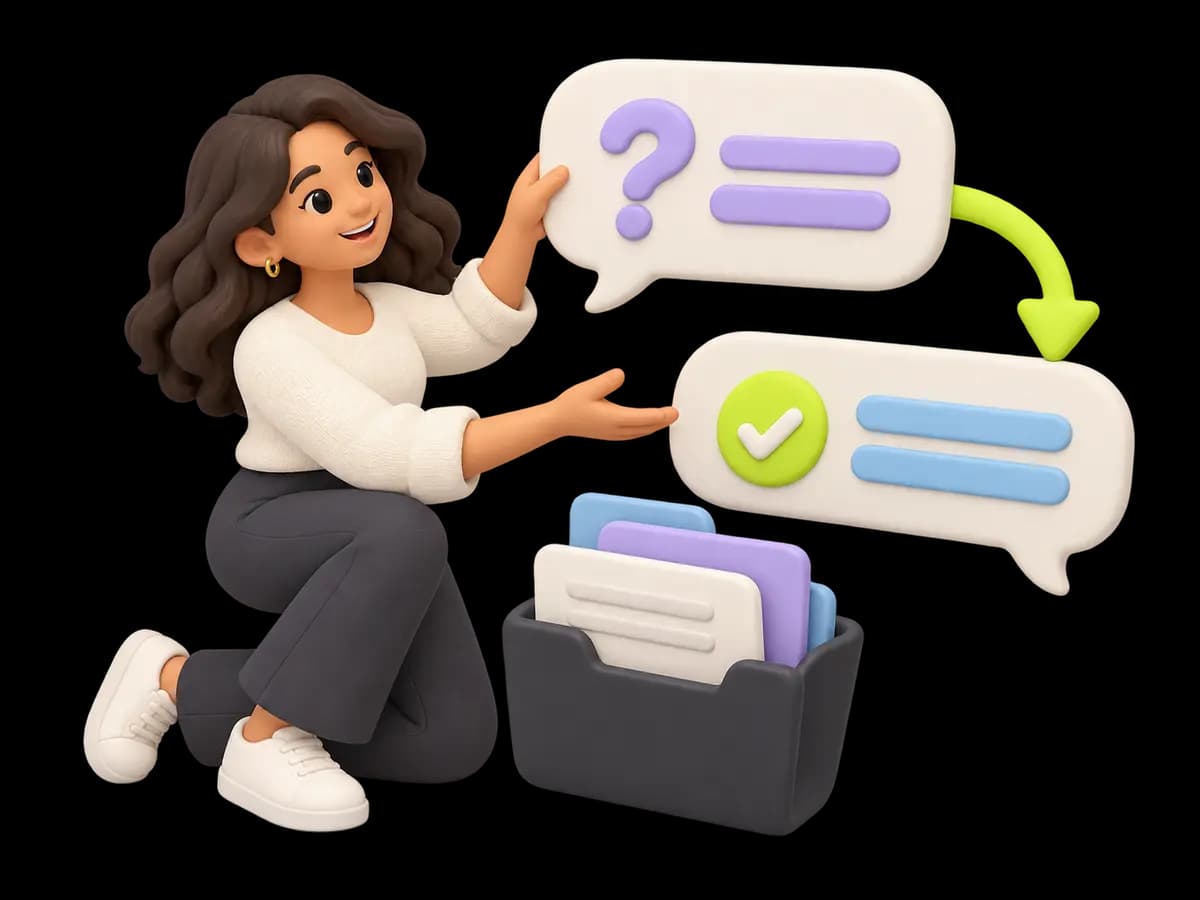
A friendly specialist organizes a question bubble and a clear answer bubble beside a small shared folder, with no call-center headset.

Redefine your team's execution layout.

Join thousands of teams using Flotick to manage their work effectively and ship faster.

Start freeTalk to us

Keep client work moving. Cut the chasing.

Free for up to 5 members and 5 active projects. Upgrade when you need more.

Start free
Ask AI·Ask an AI assistant about Flotick
ChatGPTPerplexity AIClaudeGemini
Connect

Product

  • Features
  • CRM
  • Client portal
  • Integrations
  • Pricing
  • Changelog

Solutions

  • Agencies
  • Freelancers
  • Organizations
  • Use cases
  • Compare

Resources

  • Blog
  • Documentation
  • Download
  • Resources
  • Free tools
  • FAQ
  • Refer & Earn

Company

  • About
  • Careers
  • Contact
  • Book a demo
  • Security

Free tools

  • Invoice generator
  • GST invoice generator
  • Quotation generator
  • Freelance rate calculator
  • Project cost calculator
  • GST calculator

© 2026 Flotick by Aivxia. All rights reserved.

PrivacyTermsLegal