FlotickFlotick
Solutions
Pricing
Docs
Free Tools
More about Flotick
Log inStart Free
Log inStart Free
  1. Home
  2. Blog Details
Back to all articles
ProductAIAnnouncement

Using Orbit, Flotick’s workspace assistant

FFlotick Team
  • Jul 16, 2026
  • 1 min read
  • Product guides

On this page

  1. Use it with review
flotick.app/blog/introducing-flotick-orbit-ai-and-agent
U

Orbit is Flotick’s workspace-aware assistant. Depending on the enabled workflow, it can help summarize or answer questions using workspace records. Provider availability and monthly credit allowances depend on configuration and plan.

Use it with review

Ask a specific question about information you are authorized to access. Check the answer against the underlying project, task, or client record before acting on it. AI output can be incomplete or mistaken; it should not replace approval for financial, legal, employment, or client commitments.

Do not submit information unless your organization permits the relevant AI processing. Provider, model, prompt retention, and training settings require confirmation for your deployment. Orbit does not imply autonomous authority to send messages, change records, or make payments. See Orbit settings and your organization’s AI policy.

Share this article

Found this helpful? Share it with your network.

LinkedIn

More Like This

C
CRM

CRM with project management: connect the client to the work

A practical guide to connecting enquiry, client context, scope, and delivery work in one service-business workflow.

Read Article
H
India

How Indian agencies can evaluate CRM software

A buyer checklist for agency CRM: lead follow-up, client context, document decisions, delivery links, currency, and GST boundaries.

Read Article
W
Client portal

What is a client portal? A guide for service businesses

Learn what a client portal is, what to share, and how to keep client visibility separate from internal project work.

Read Article
Answers

Frequently Asked Questions

Can't find what you're looking for? Contact us

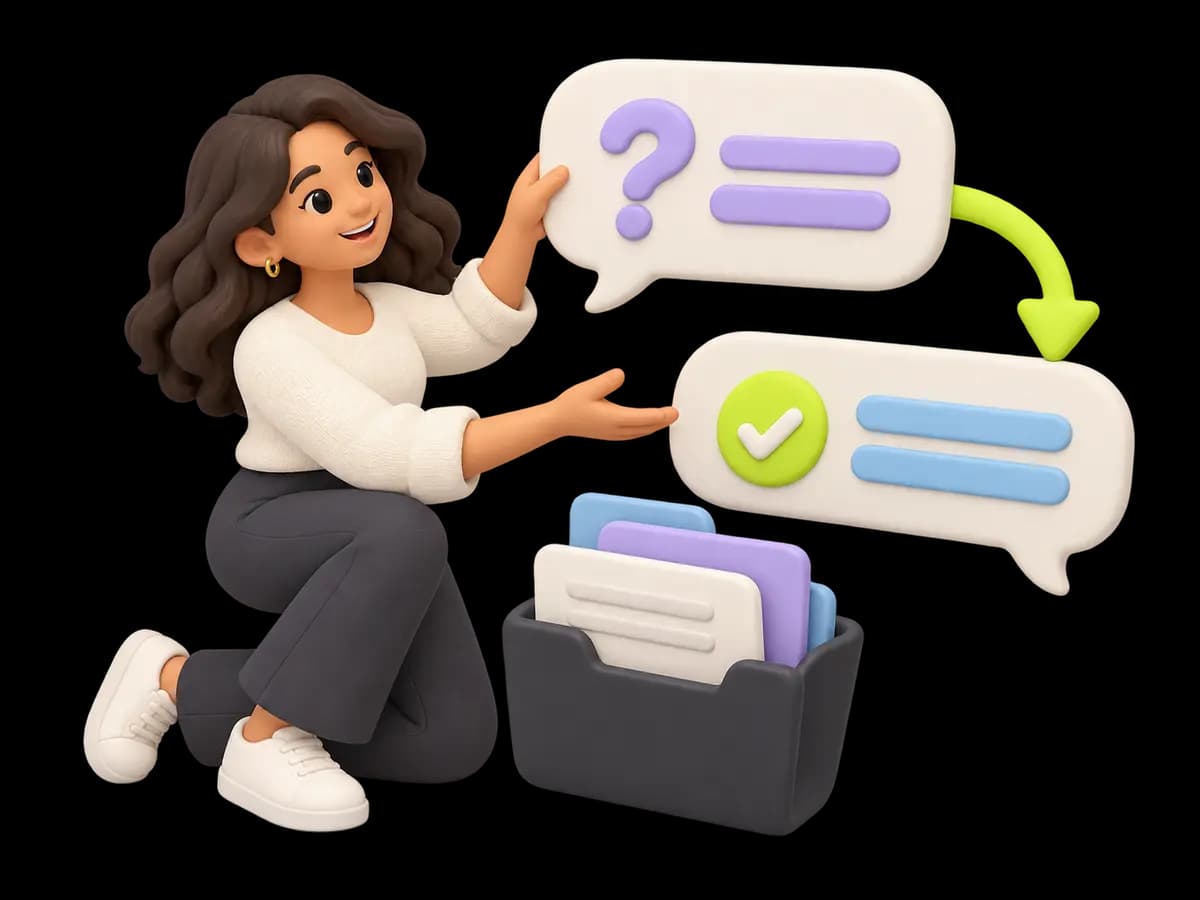
A friendly specialist organizes a question bubble and a clear answer bubble beside a small shared folder, with no call-center headset.

Redefine your team's execution layout.

Join thousands of teams using Flotick to manage their work effectively and ship faster.

Start freeTalk to us

Keep client work moving. Cut the chasing.

Free for up to 5 members and 5 active projects. Upgrade when you need more.

Start free
Ask AI·Ask an AI assistant about Flotick
ChatGPTPerplexity AIClaudeGemini
Connect

Product

  • Features
  • CRM
  • Client portal
  • Integrations
  • Pricing
  • Changelog

Solutions

  • Agencies
  • Freelancers
  • Organizations
  • Use cases
  • Compare

Resources

  • Blog
  • Documentation
  • Download
  • Resources
  • Free tools
  • FAQ
  • Refer & Earn

Company

  • About
  • Careers
  • Contact
  • Book a demo
  • Security

Free tools

  • Invoice generator
  • GST invoice generator
  • Quotation generator
  • Freelance rate calculator
  • Project cost calculator
  • GST calculator

© 2026 Flotick by Nxtinger. All rights reserved.

PrivacyTermsLegal